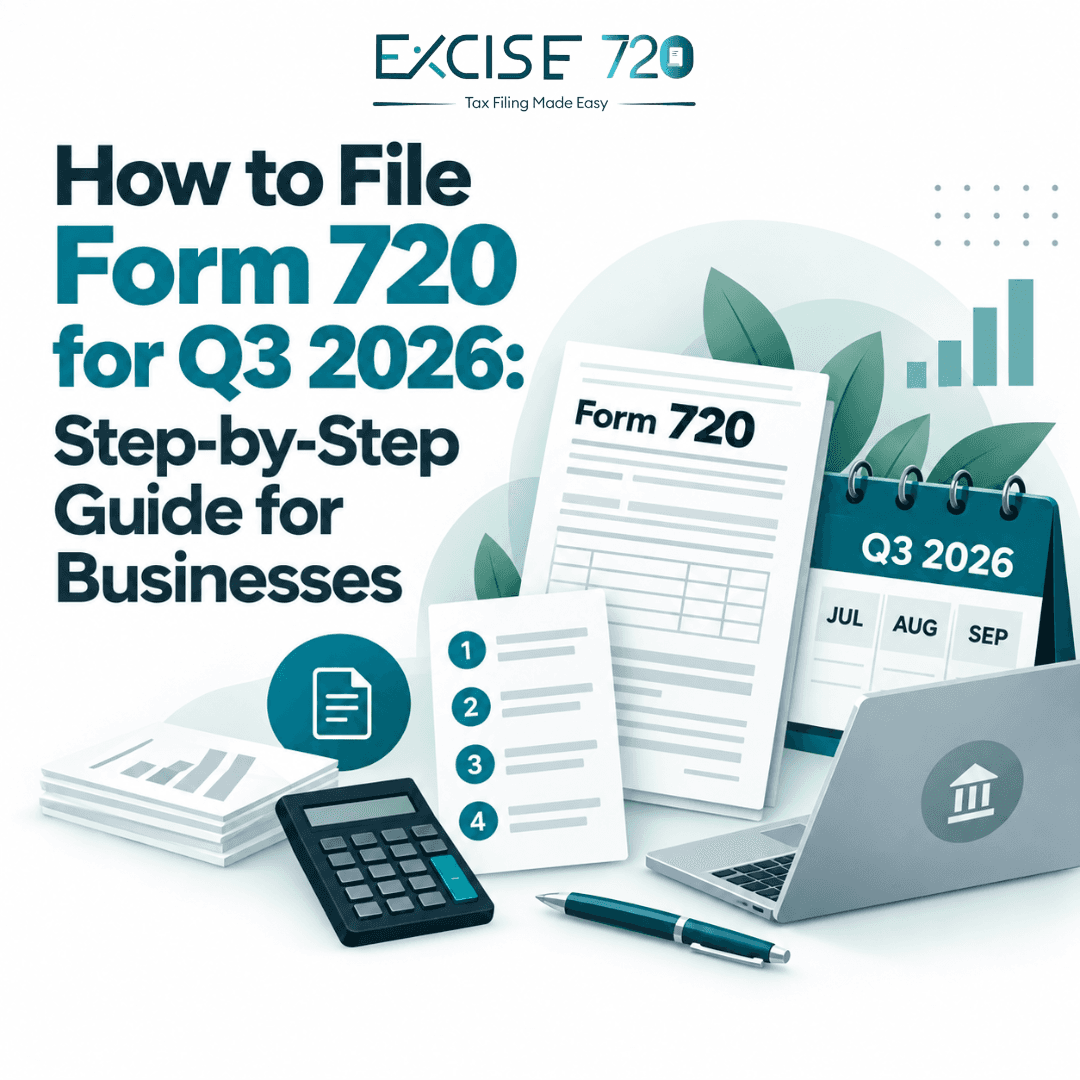
If your business had federal excise tax liability during July, August, or September 2026, you may need to file Form 720 for Q3.
The easiest way to handle the return is to work through it one step at a time.
Step 1: Confirm That Form 720 Applies to Your Business
Start by checking whether your business had liability for any federal excise taxes during Q3.
Form 720 can cover taxes such as:
- Environmental taxes
- Communications and air transportation taxes
- Fuel taxes
- Retail excise taxes
- Manufacturers’ taxes
- Certain Part II taxes
You can review the Form 720 tax types to identify the right category.
For specific taxes, you can also check retail excise tax, communications and air transportation taxes, and Part II excise taxes.
Step 2: Gather Your Q3 Records
Before you start filing, collect the information you will need for July, August, and September 2026.
Keep these details ready:
- Business name and address
- EIN
- Tax type or IRS number
- Taxable sales, services, gallons, or other applicable figures
- Deposits already made
- Credits or claims
- Supporting records
Having everything ready makes the filing process much smoother.
Step 3: Check Your Excise Tax Deposits
Some Form 720 taxes require deposits during the quarter.
Review your payment history and make sure the deposits match the tax liability you are reporting.
If your business uses the regular or alternative deposit method for communications or air transportation taxes, you can review the communications and air transportation tax page for more details.
Remember, making tax deposits does not replace the need to file Form 720.
Step 4: Complete the Form 720 Tax Sections
Enter the tax details that apply to your business.
This may include amounts reported in Part I or Part II of Form 720.
Use your actual business records rather than estimates, and make sure you select the correct IRS tax number.
You can learn more on the Form 720 filing page.
Step 5: Complete Schedule A If Required
If you report certain Part I taxes, you may also need to complete Schedule A.
Schedule A shows your tax liability by semimonthly period.
Make sure the amounts you enter match your records and the deposits you made during the quarter.
Excise720 supports applicable schedules as part of its complete Form 720 filing option.
Step 6: Add Any Eligible Credits or Claims
Some filers may qualify for credits or claims through Schedule C.
Only include a credit if you have the records to support it.
You can review the Schedule C claims page to understand how claims are handled.
Step 7: Review the Return Carefully
Before submitting the return, check:
- Business information
- EIN
- Correct tax type
- Q3 taxable amounts
- Deposits already made
- Schedule A, if required
- Credits or claims
- Final balance due
A quick review can help catch simple mistakes before submission.
Step 8: File Form 720 Electronically
Form 720 can be filed electronically.
Excise720 allows you to prepare the return online, complete applicable schedules, review the filing, and submit it electronically.
You can also check the Form 720 pricing before you begin.
For official filing guidance, review the IRS Instructions for Form 720.
When Is Q3 Form 720 Due?
Q3 covers July, August, and September 2026.
The standard filing deadline is October 31. If that date is not a business day, the filing date follows the IRS weekend and holiday rules.
Frequently Asked Questions
What months are included in Q3 Form 720?
Q3 includes July, August, and September.
Do I need to file if I already made deposits?
Yes, in many cases. Deposits and filing Form 720 are separate requirements.
Do I need Schedule A?
You may need Schedule A if you report certain Part I taxes.
Can Form 720 be filed online?
Yes. Form 720 can be electronically filed.
Where can I check the Form 720 tax types?
You can review the Form 720 tax types on Excise720.